
| Feature | Requirement |
| Application Name | Remini |
| Latest Version | 3.7.1306.202520654 |
| File Size | 75 MB – 225 MB |
| Operating System | Android 7.1 and higher |
| Developer | Bending Spoons |
| License | Free / Premium |
Remini Pro APK
Photo editing has become easier with artificial intelligence and modern mobile applications. People can now improve old pictures, sharpen blurry images, and enhance portraits with simple tools. Remini Pro APK is a popular search term among Android users who want to explore AI photo enhancement features. These tools can help make everyday pictures look clearer and more attractive. They may also help users restore memories captured with older cameras or low-quality mobile phones. However, the available features depend on the official app version, subscription plan, and device compatibility.
Before choosing a photo enhancer, users should understand its features, limitations, and privacy requirements. A good editing app should provide simple controls and useful results without making the process complicated. This guide explains the main features, installation considerations, benefits, and safety tips for Android users.

What Is Remini Pro APK?
The term Remini Pro APK generally refers to an Android installation package associated with the Remini photo enhancement application. Remini uses artificial intelligence to improve selected images and videos through supported editing tools. Users can upload a picture, choose an available enhancement option, and review the result.
The application is especially useful for people who want to improve portraits, repair faded photographs, or make certain details easier to see. Its interface is designed to make image enhancement accessible to beginners. Nevertheless, results can vary depending on the original image quality and the selected feature.
Users should remember that an APK file is not automatically an official or premium version. Modified packages may come from unknown developers and may introduce security or privacy risks. Therefore, checking the source and permissions is important before installing any Android application.
Key Features of Remini
AI Photo Enhancement
AI enhancement helps improve the appearance of supported photographs. Remini Pro APK is often searched for by users interested in making soft or blurry pictures look sharper. The application analyzes image details and applies processing to create a clearer result. However, it cannot always recover information that the original photograph never captured.
Old Photo Restoration
Old photographs often contain fading, blur, scratches, or other visible imperfections. Photo restoration tools can help improve their appearance and preserve important memories. Users may scan an old printed photograph and upload its digital copy for processing. The final quality depends on the condition of the original picture and the available restoration tools.
Portrait Enhancement
Portrait enhancement focuses on improving facial details in supported images. It can make photographs appear clearer and help users prepare pictures for personal albums or social profiles. However, AI processing may sometimes alter small facial details. Users should compare the original and edited versions to ensure the result still looks natural.
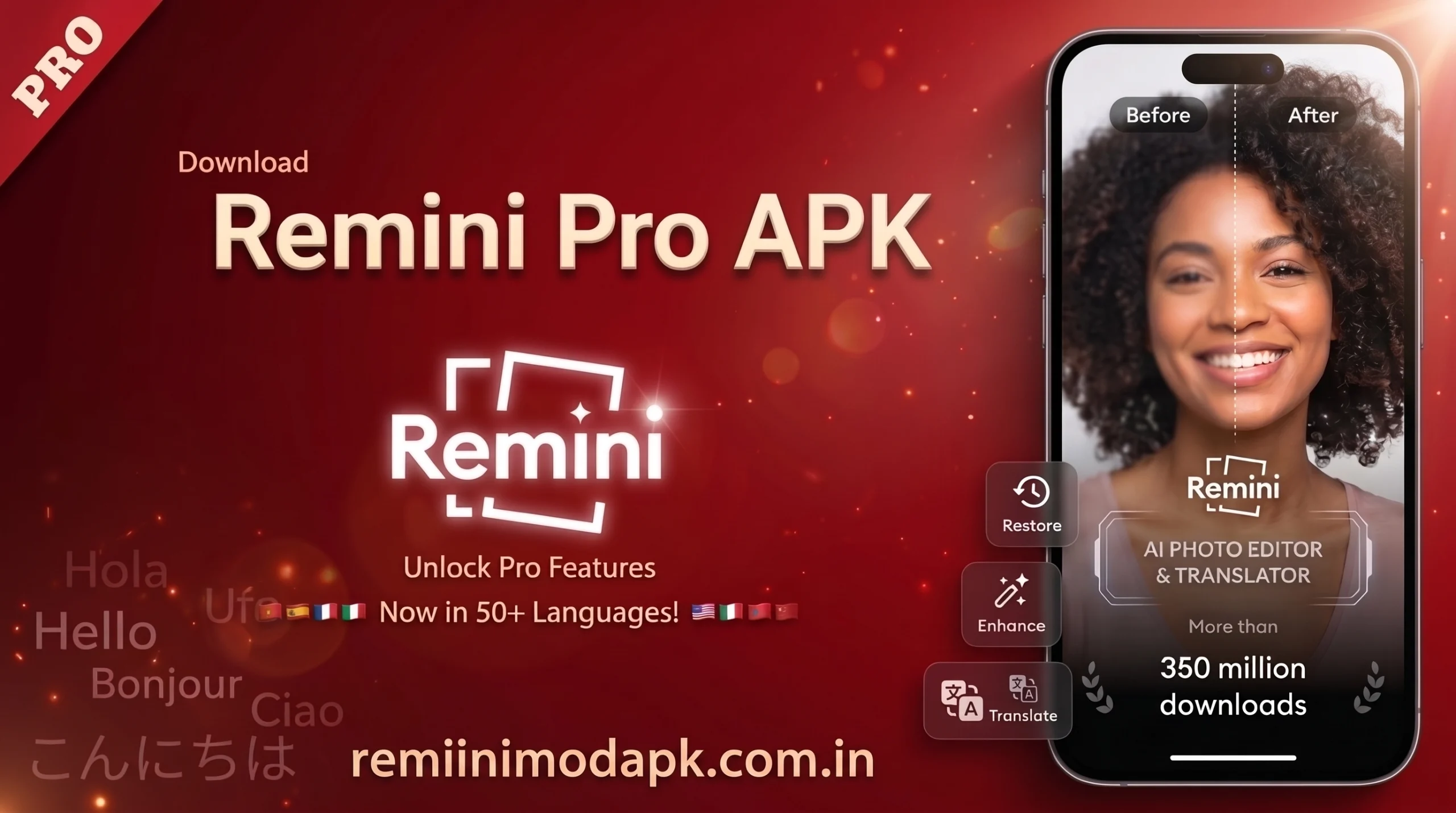
Before-and-After Comparison
Comparing edited images with their originals helps users understand what the application has changed. This feature is useful when deciding whether an enhancement looks realistic. Users can review sharpness, brightness, and facial details before saving the final image. Keeping the original file also makes it easier to reverse unwanted changes.
Simple Editing Interface
A straightforward interface helps beginners edit pictures without learning complicated software. Users can select an image, choose a supported tool, and follow the displayed instructions. Clear controls reduce confusion and make everyday editing more convenient. Available buttons and editing options may differ between application versions and subscription plans.
How to Download and Install the App
Android users should prioritize trusted sources when installing photo editing applications. Before downloading Remini Pro APK, verify that the package comes from a legitimate source and has not been altered by an unknown party.
Follow these general steps:
- Visit the official Remini listing on Google Play.
- Check the developer name and application details.
- Review recent updates and device compatibility.
- Tap the install option if the app is available.
- Open the application after installation finishes.
- Select a picture and explore the available editing tools.
- Review the privacy policy before uploading personal photographs.
If you consider installing an APK from another website, verify its authenticity and scan the file with a reputable security tool. Avoid packages that promise unlimited premium access without credible evidence. Never disable important security protections just to install an unfamiliar application.
Benefits for Android Users
Photo enhancement applications provide several practical benefits for everyday users. They reduce the need to learn complicated desktop editing software and make basic improvements possible directly on a smartphone.
With Remini Pro APK, users are generally looking for convenient access to enhanced photo editing. However, the benefits available to an individual depend on the genuine application’s features and account plan.
Common advantages include:
- Easy editing: Simple controls help beginners improve pictures.
- Memory restoration: Supported tools can improve some older photographs.
- Portrait improvements: AI processing may enhance facial clarity.
- Mobile convenience: Users can edit pictures without a computer.
- Quick previews: Before-and-after comparisons help evaluate results.
- Social sharing: Edited photographs can be prepared for online profiles.
- Time savings: Automated processing can reduce manual editing work.
These benefits do not guarantee perfect results. Some images may require additional adjustments, while others may show little improvement. Users should choose settings that preserve natural colors and realistic details.
Is Remini Pro APK Safe to Use?
Safety depends on where the application comes from, how it handles personal information, and which permissions it requests. The official application obtained through a trusted store is generally a better choice than an unknown modified package.
When searching for Remini Pro APK, users may encounter websites advertising unlocked features, removed advertisements, or free premium subscriptions. Such claims are not proof that a package is genuine. Modified applications can contain harmful code, collect personal information, or stop working after updates.
Use these precautions before installing any package:
- Download applications from trusted and verified sources.
- Check permissions before granting access to files or photos.
- Avoid installers that request unrelated administrative privileges.
- Never enter account passwords into suspicious third-party pages.
- Keep Android security updates enabled.
- Review the application’s privacy policy and data practices.
- Remove unfamiliar packages if the device behaves unusually.
Photographs may contain private information, including faces and personal locations. Therefore, users should understand how uploaded images are processed and whether they are stored before submitting sensitive pictures.
Common Problems and Their Solutions
Some users may experience installation errors, slow processing, or unexpected application crashes. These problems can occur because of limited storage, unstable internet connections, outdated software, or compatibility issues.
If Remini Pro APK does not work as expected, try these basic troubleshooting steps before attempting another installation.
- Installation failure: Check available storage and Android compatibility.
- Slow processing: Switch to a stable internet connection when required.
- App crashing: Restart the device and install available official updates.
- Upload problems: Check the network connection and permitted photo access.
- Poor enhancement: Try a clearer original image with better lighting.
- Login issues: Use the official account recovery process if necessary.
Avoid downloading several versions from unknown websites to fix one problem. Doing so can introduce additional risks and make troubleshooting more difficult. If an issue continues, consult the application’s official support resources.
Remini Pro APK vs Other Photo Editors
Different photo editing applications serve different purposes. Some focus on AI restoration, while others provide filters, cropping tools, background removal, or manual adjustments. The right choice depends on the type of pictures you edit and the features you need.
Users exploring Remini Pro APK should compare the genuine application with other trusted editors before deciding. Consider image quality, processing speed, pricing, advertisements, privacy controls, and available export options.
An AI enhancer may be suitable for improving portraits or restoring selected older pictures. A traditional editor may offer more control over colors, exposure, and composition. Some users may benefit from using both types of applications for different tasks.
Always compare the actual features included in each version. Do not assume that a third-party package provides every paid feature advertised online. Official descriptions and subscription details offer a more reliable basis for comparison.
Frequently Asked Questions
Is Remini available for Android?
Yes, Remini has an Android application. Availability and supported features can vary by device, region, and current release.
Is Remini Pro APK free?
The official application may offer free access with limitations, while certain features require payment. Unofficial claims about free premium access should be treated cautiously.
Can Remini improve blurry photos?
It can improve some blurry images using supported AI tools. However, results depend on the original photograph and the type of blur.
Can I restore old family pictures?
Supported restoration tools may improve old photographs. Scanning the original clearly can help produce better results.
Is downloading an APK from any website safe?
No. Unknown APK files may contain harmful software or modified code. Prefer trusted sources and verify the application’s authenticity.
Conclusion
Choosing a reliable photo enhancer can help Android users improve portraits, restore memories, and prepare pictures for sharing. Remini Pro APK is a commonly searched term for people interested in AI-powered photo enhancement, but users should distinguish the genuine application from unofficial modified packages. Check the available features, installation source, pricing, and privacy practices before making a decision. Start with a trusted version, test its editing tools, and keep original photographs safely backed up. Most importantly, avoid suspicious downloads that promise premium access without verification. A secure application and realistic expectations can make photo editing simpler and more dependable.
1 thought on “Remini Pro APK Download Latest Version for Android”