
| Feature | Requirement |
| Application Name | Remini |
| Latest Version | 3.7.1306.202520654 |
| File Size | 75 MB – 225 MB |
| Operating System | Android 7.1 and higher |
| Developer | Bending Spoons |
| License | Free / Premium |
Remini Pro Mod APK
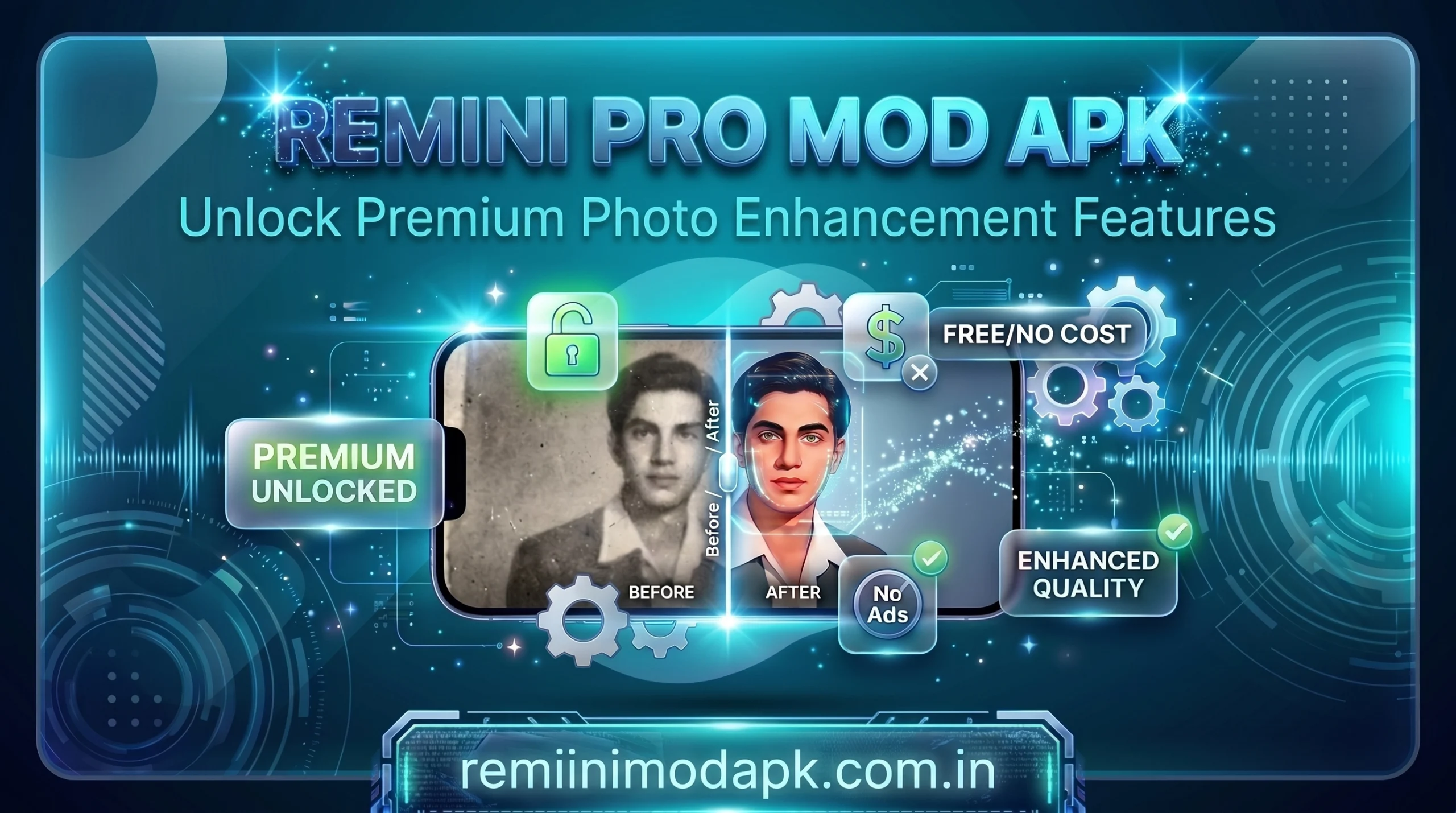
Remini Pro Mod APK is a popular search term among Android users who want to improve their photos and explore AI-powered editing tools. Modern photo enhancers can turn blurry pictures into clearer images within seconds. They can also improve facial details, restore old photographs, and make everyday pictures look more attractive. However, modified applications may carry security risks and may not provide the same reliability as official apps. Before choosing a photo editor, users should understand its features, installation process, compatibility, and privacy requirements. This guide explains the main things to consider when looking for an AI photo enhancer on Android. It also covers image quality, useful editing options, common problems, and safer alternatives for creating better photographs.
What Is Remini Pro Mod APK?
Remini Pro Mod APK refers to an unofficially modified Android package associated with the Remini photo-enhancement application. People often search for modified versions because they want access to additional editing features or fewer restrictions. The official Remini app uses artificial intelligence to improve image quality and enhance facial details.
AI technology can help make old, pixelated, or blurry photographs appear sharper. However, the results depend on the original image and the processing method. A modified package is different from the official application because an independent party may have changed its code. Therefore, its features, reliability, and security cannot be assumed. Users should verify the source before installing unfamiliar software and consider the official app whenever possible.
Main Features of Remini Photo Enhancer
Photo-enhancement tools offer several functions that can help users improve their pictures. The available features may vary according to the application version, subscription, and device.
When exploring Remini Pro Mod APK, users should understand what common AI editing tools can actually do.
- AI Photo Enhancement: Improves image clarity and makes details easier to see.
- Face Enhancement: Refines facial details in suitable portraits.
- Old Photo Restoration: Helps improve the appearance of aged photographs.
- Image Sharpening: Reduces the soft appearance of some images.
- Portrait Improvement: Makes portraits look clearer and more detailed.
- Resolution Enhancement: Attempts to produce a more detailed-looking image.
- Simple Interface: Makes basic editing tasks easier to understand.
- Quick Processing: AI tools can enhance pictures without complicated manual adjustments.
These functions can save time compared with traditional editing methods. Still, artificial intelligence may occasionally change facial details or create unnatural textures. Users should compare the original and edited pictures before sharing or saving the final result.
How AI Photo Enhancement Works
Artificial intelligence analyzes visual patterns within an image and uses learned information to improve its appearance. Depending on the tool, it may adjust sharpness, textures, contrast, and facial details. Some systems also estimate missing visual information when processing low-quality photographs.
For users exploring Remini Pro Mod APK, understanding this process helps set realistic expectations. AI enhancement does not always recover the exact details originally captured by a camera. Instead, it may generate plausible details that make the image look clearer.
For example, an old family photograph might become easier to view after enhancement. However, tiny facial features could appear different from the original. Good results usually depend on image quality, lighting, compression, and the strength of the selected enhancement settings.
How to Download and Install Safely
Android applications should always come from trustworthy sources. The official Google Play Store is generally a safer starting point because applications are subject to platform checks. Unofficial modified packages may not receive the same protections.
Before installing anything advertised as Remini Pro Mod APK, consider these precautions:
- Visit the official Google Play Store and search for Remini.
- Check the developer information and application details.
- Read recent reviews to understand reported problems.
- Review the permissions requested by the application.
- Avoid websites that require suspicious downloads or surveys.
- Never provide account passwords to unknown download pages.
- Keep Google Play Protect enabled on your Android device.
- Avoid installing files that trigger security warnings.
If you decide to use an unofficial package, remember that its safety cannot be guaranteed. It may contain harmful code, collect personal information, or stop working unexpectedly. The safer choice is to install the official version and obtain additional features through legitimate options.
System Requirements for Android Devices
Photo-enhancement applications need sufficient processing power, memory, and storage to work comfortably. Exact requirements vary by application version and device configuration. Therefore, users should check the official listing for current compatibility information.
When considering Remini Pro Mod APK, remember that installing an APK does not automatically make an older phone compatible with every editing feature.
Important device considerations include:
- Android Version: Use a supported operating system version.
- Available Storage: Keep enough free space for installation and exported images.
- RAM: Sufficient memory helps applications run more smoothly.
- Internet Connection: Some AI tools require an active connection for processing.
- Device Performance: Older phones may take longer to complete editing tasks.
- Application Permissions: Grant only permissions that are necessary for the intended functions.
Closing unnecessary background applications may also improve performance. If the editor frequently crashes, check for updates, restart the phone, and confirm that adequate storage remains available.
Benefits and Limitations of AI Photo Editors
AI photo editors can make picture improvement accessible to people without professional editing experience. They reduce the need for complicated software and provide quick results for everyday photographs. Nevertheless, users should understand their limitations before relying on them.
A search for Remini Pro APK Mod may promise unlimited premium tools, but such claims are not proof that a package works as advertised.
Benefits
- Makes low-quality pictures easier to view.
- Offers convenient editing for everyday users.
- Helps improve the appearance of older photographs.
- Reduces the time required for basic image enhancement.
- Provides useful options for portraits and social media images.
Limitations
- AI-generated details may not match the original photograph.
- Some features may require internet access.
- Processing quality can differ between devices.
- Unofficial packages may contain security threats.
- Modified versions may stop working after application updates.
- Privacy protections may be unclear or unreliable.
Overall, the best results come from choosing a trustworthy application and reviewing every edited image carefully.
Common Problems and Their Solutions
Android users sometimes experience installation errors, slow processing, crashes, or unexpected application behavior. These problems can result from compatibility issues, insufficient storage, network interruptions, or damaged installation files.
If Remini Pro Mod APK fails to work, avoid downloading multiple packages from random websites in an attempt to fix it.
Try these general troubleshooting steps:
- Installation Error: Check Android compatibility and use a trusted installation source.
- Application Crashing: Restart the phone and close unnecessary applications.
- Slow Processing: Check your internet connection if processing requires online access.
- Export Failure: Confirm that sufficient storage space is available.
- Login Problems: Use the official application and follow its account-recovery instructions.
- Unexpected Permissions: Review permissions and uninstall suspicious applications.
If an unofficial package triggers security warnings, remove it rather than disabling protective features. Installing the official version is a sensible way to check whether the problem comes from the modified package.
Best Alternatives for Photo Enhancement
Users who want clear photographs have several alternatives to consider. The right option depends on whether they need AI enhancement, manual adjustments, portrait editing, or general image correction.
Before choosing an alternative to Remini Pro Mod APK, compare the available tools, privacy policies, supported devices, and pricing.
- Official Remini: Suitable for users interested in its dedicated AI photo-enhancement features.
- Snapseed: Offers manual photo adjustments and creative editing tools.
- Adobe Lightroom: Provides detailed control over color, lighting, and image appearance.
- Canva: Helps users edit images and create social media graphics.
- Google Photos: Provides convenient photo organization and selected editing tools.
Feature availability may change over time, and some tools require paid subscriptions. Check each application’s official listing before installation. These alternatives can help users find an editing workflow that matches their needs without depending on an unverified modified package.
Is Remini Pro Mod APK Worth Using?
Whether an unofficial modified application is worthwhile depends on its reliability, features, and potential risks. Promises of free premium access may sound attractive, but users cannot assume those claims are genuine. Modified applications can also expose personal photographs, account information, or device data to unnecessary risks.
For most Android users, the official application provides a more dependable starting point. It also offers a clearer way to check supported features, updates, and subscription options. People who only need basic editing may prefer free alternatives with suitable tools.
Before choosing Remini Pro Mod APK, consider your privacy, device security, and actual editing requirements. A trustworthy application that produces consistent results is generally a better long-term choice than an unknown package with uncertain benefits.
Final Thoughts
AI photo enhancement has made it easier to improve portraits, restore old photographs, and prepare pictures for sharing. However, editing quality depends on the original image, available tools, and the processing method. Although Remini Pro Mod APK is a popular search phrase, unofficial versions can introduce security and privacy concerns. Users should carefully evaluate download sources and avoid applications that request unnecessary permissions. The official Remini application and established editing alternatives offer more dependable starting points. By selecting a suitable tool, keeping Android security features enabled, and reviewing edited images, users can improve their photographs while making more informed decisions about their digital safety.
1 thought on “Remini Pro Mod APK Download Latest Version for Android”